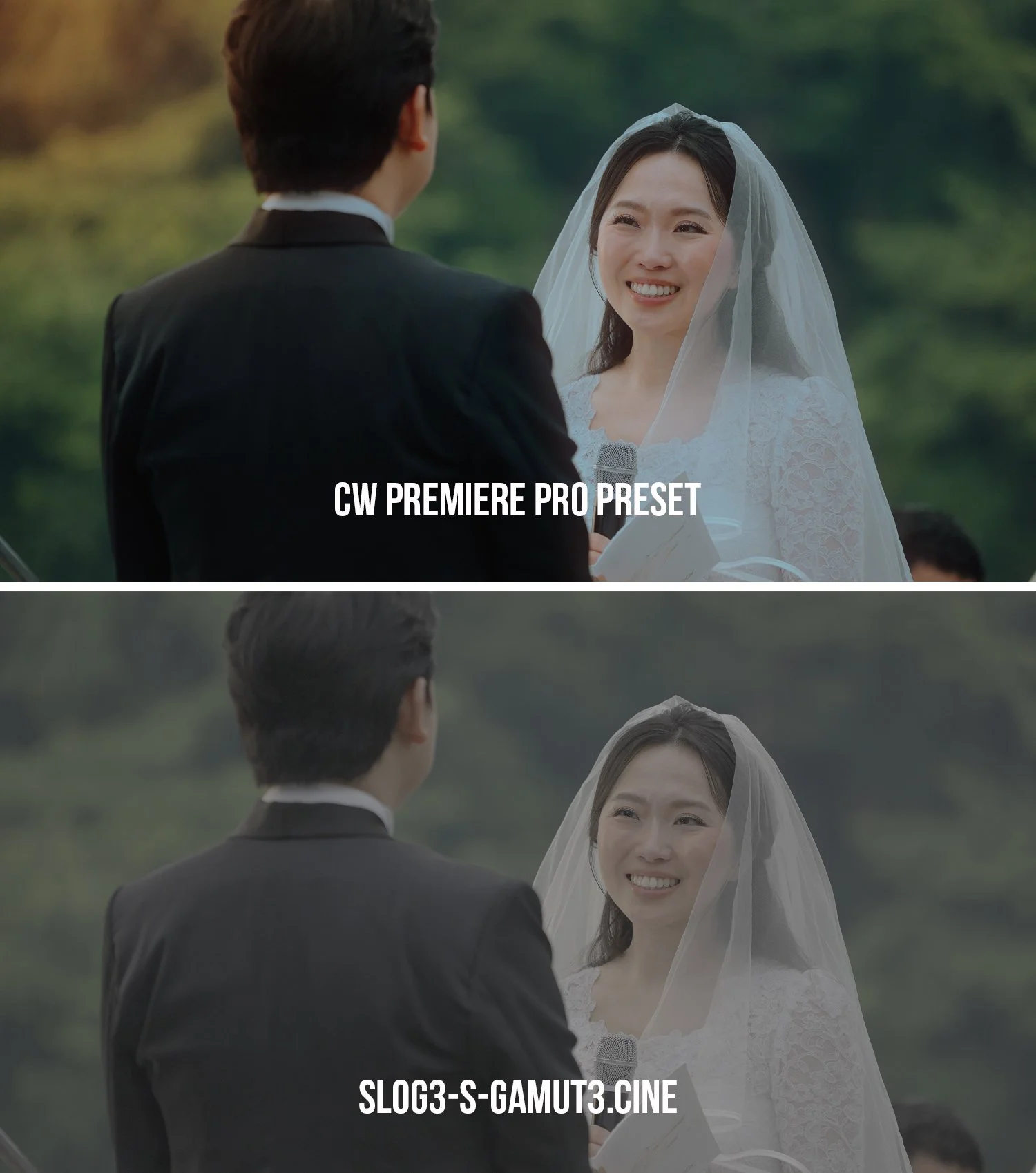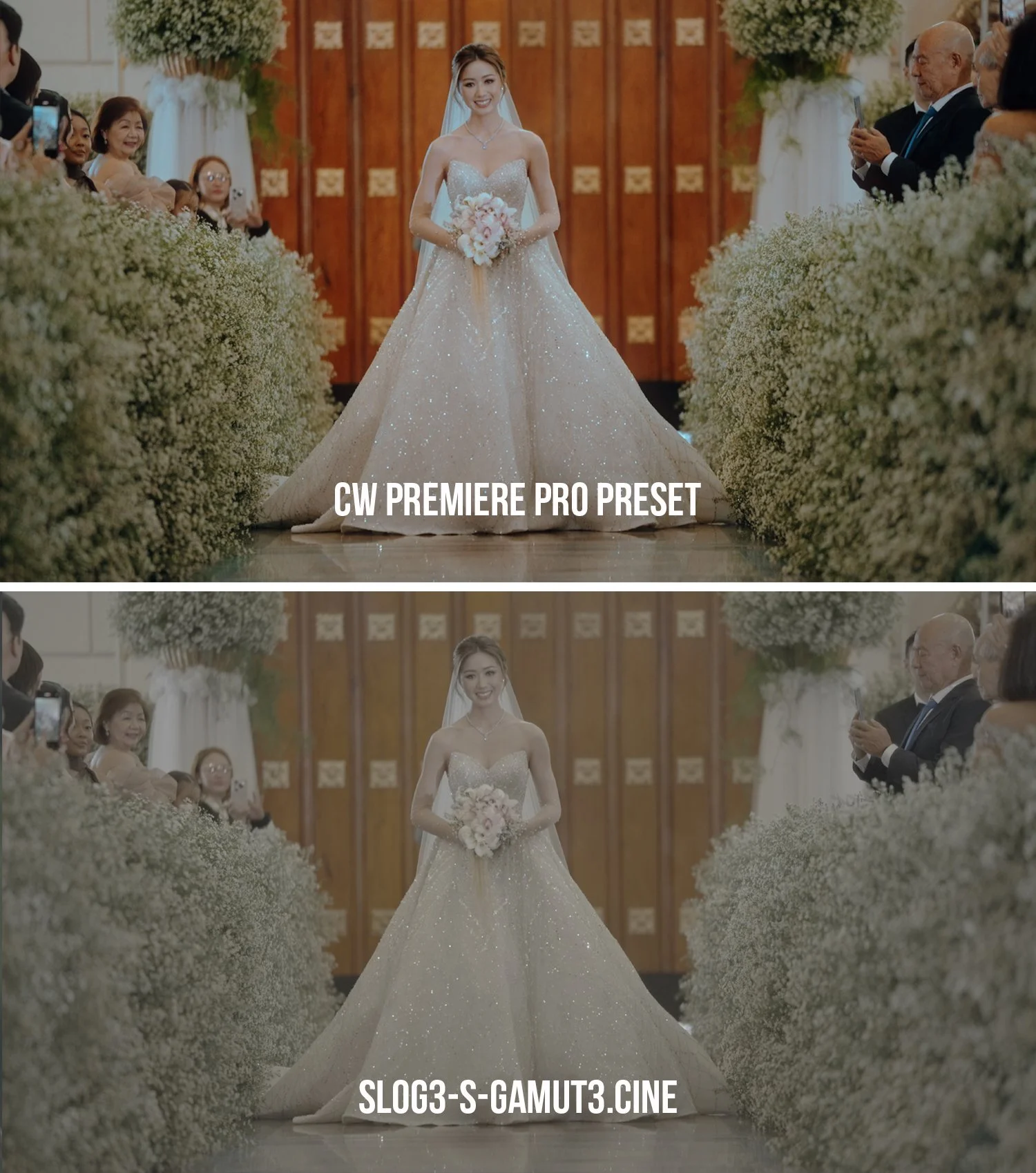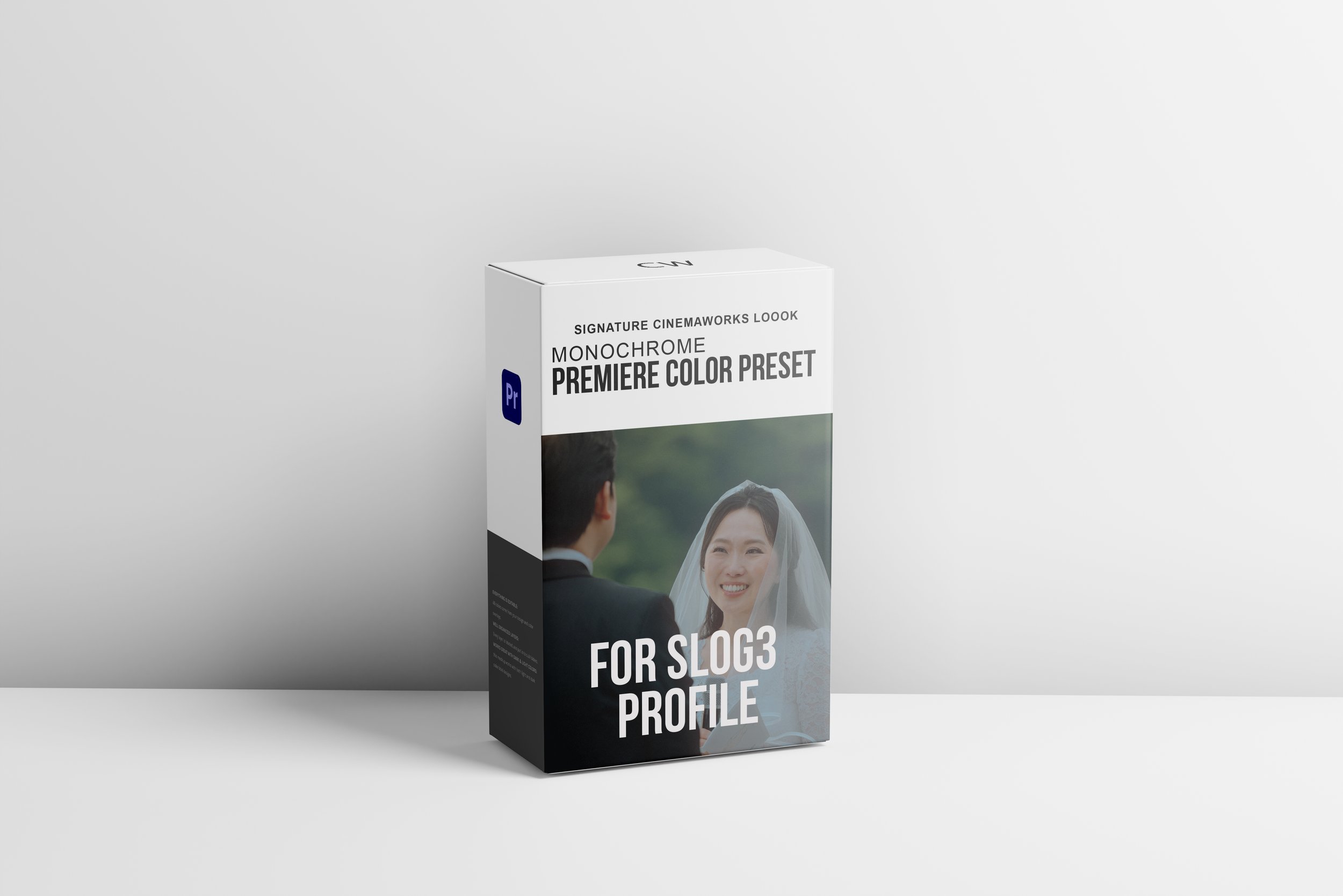
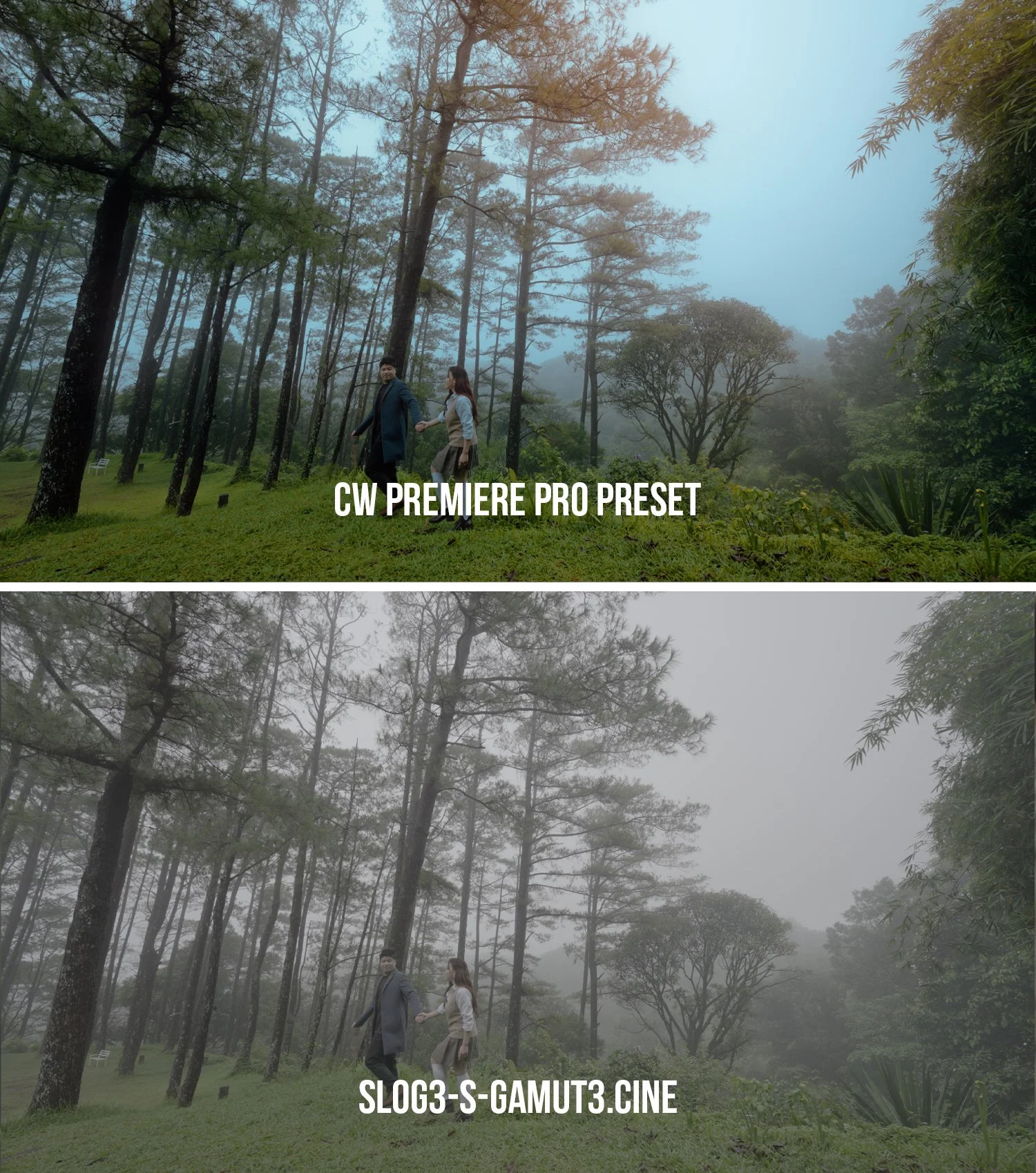
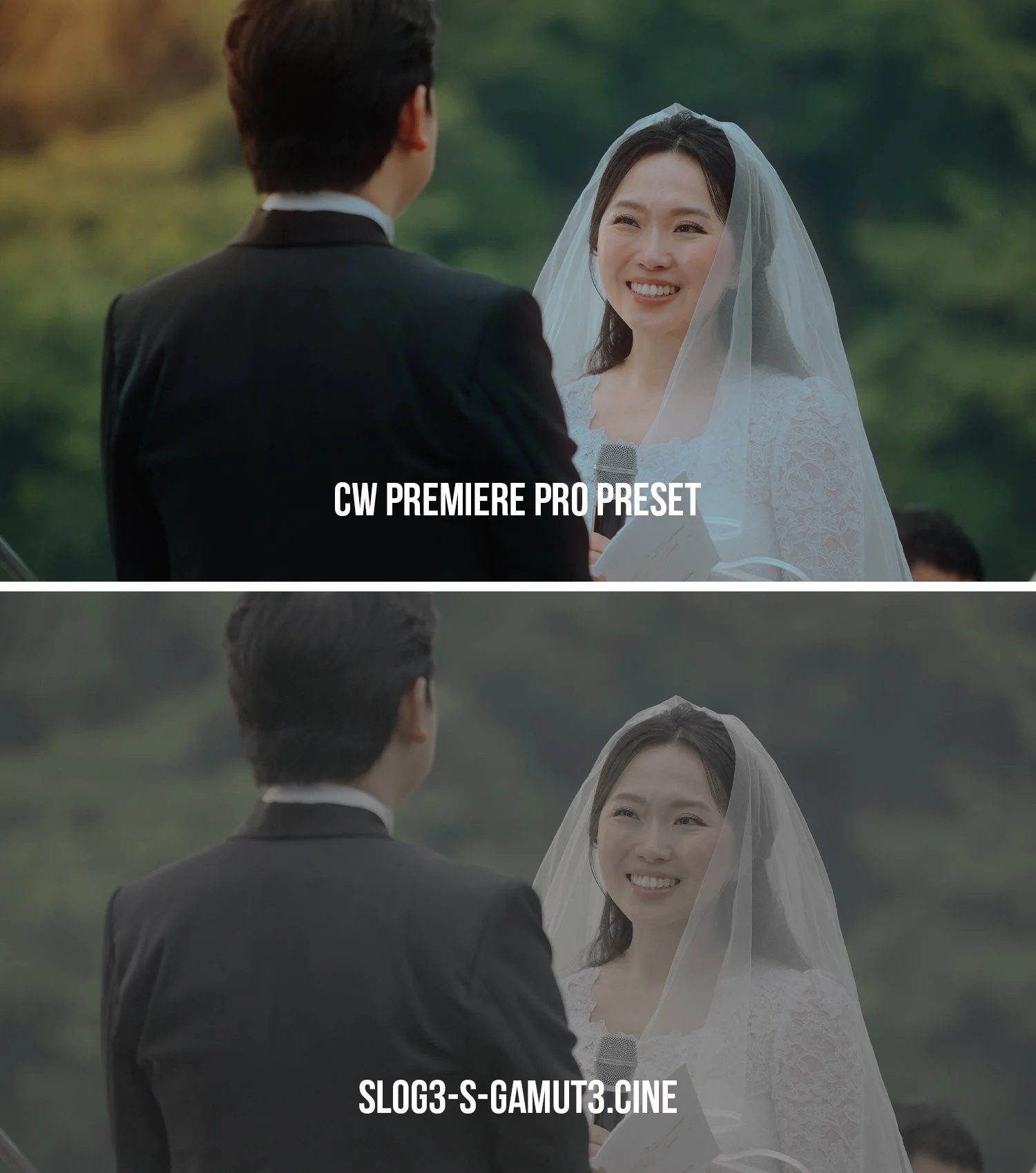
WHAT'S INCLUDED
MONOCHROME S-LOG3 TO REC.709 LUT
A dedicated LUT designed to transform your S-Log3 / S-Gamut3.Cine footage into a Rec.709 foundation.
BASIC CORRECTION
A carefully prepared starting point for exposure, contrast, highlights, shadows, whites, blacks, temperature, and overall image balance.
WARM SOFT SKIN
A creative look designed to give skin tones a softer and warmer cinematic character—perfect for weddings, portraits, and storytelling.
4-COLOR GRADIENT — CW SLOG3 SOFT WARM
Adds subtle color depth and atmosphere to your footage, helping create a more polished cinematic image.
WONDER GLOW — CW SLOG3 SOFT WARM
A finishing effect that introduces a soft, dreamy glow to highlights and bright areas for an elegant cinematic feel.
MORE THAN JUST A LUT
This isn't simply a LUT that you drop onto your footage and forget.
The Monochrome Preset combines multiple color-grading and finishing elements into one preset, giving you a complete starting point for your grade.
Use it as-is, or fine-tune each adjustment according to your footage.
One preset can create different looks depending on how you adjust it.
VIDEO TUTORIAL INCLUDED
Not sure where to start? We've got you covered.
Every purchase comes with a step-by-step video tutorial showing you how to properly use the Monochrome Premiere Pro Preset.
You'll learn:
How to apply the preset in Adobe Premiere Pro
How to work with S-Log3 / S-Gamut3.Cine
How to adjust exposure before color grading
How to control the Warm Soft Skin look
How to use the 4-Color Gradient
How to control the Wonder Glow effect
How to fine-tune the preset for different lighting conditions
How to achieve a consistent cinematic look across your footage
No complicated workflow. No guesswork. Just apply, adjust, and create.
YOUR FASTER COLOR-GRADING WORKFLOW
Shoot → Apply Preset → Adjust Exposure → Fine-Tune → Create